Total
0
Watched
0
Remaining
0




Your watchlist is empty
Search movies & TV series to get startedDon't know what to watch?
Would you like to insert a custom image in the center of your donut chart before sharing?
Where did you leave off? (e.g. '1h 20m' or 'S02E04')























We sent a verification link to:
Click the link in the email, then press below.
Need to reset your password? We will send you a password reset link to your email address.
Permanently delete your account and all watchlist data. This cannot be undone.
Google Calendar Scheduling requires developer approval to prevent quota abuse. This is a one-time approval.
Enable light theme across the application.
Tune how FlowMode prioritizes what you should watch next.
Choose which tab opens automatically when loading the app.
Create your own custom tab (e.g. "Favorites") and place it anywhere in the top navigation.
Adjust release dates for your timezone.
Select how your cards are ordered by default.
When sorting your timeline by date, decide whether a rewatched item uses its latest watch date or its original watch date.
Hide adult content in search and explore results.
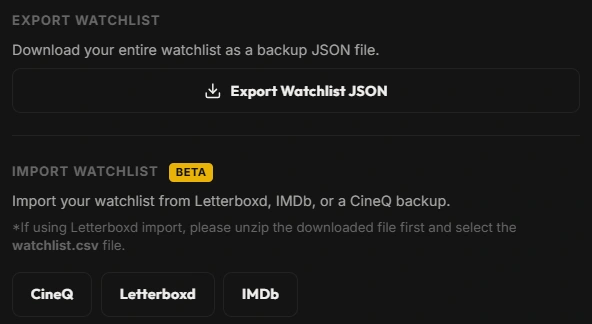
Download your entire watchlist as a backup JSON file.
Import your watchlist from Letterboxd, IMDb, or a CineQ backup. *If using Letterboxd import, please unzip the downloaded file first and select the watchlist.csv file.
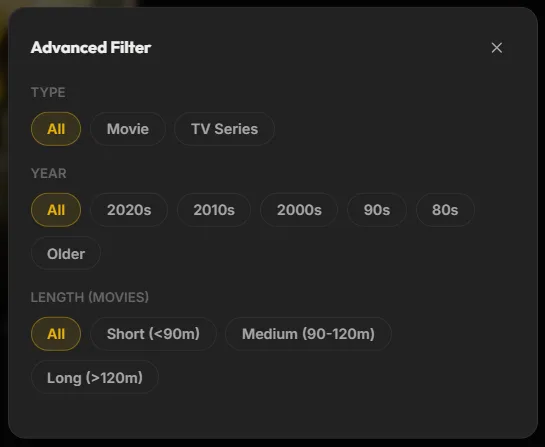
Click the Sliders icon next to the "Select" button to open the Advanced Filter panel. Here you can filter your lists by Movie/TV, Release Year (Decades), and Runtime Length.
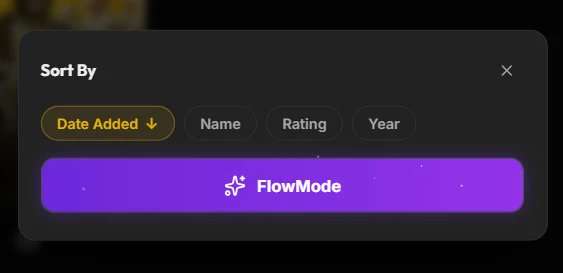
Inside the Sort Panel, you can click FlowMode to hide titles you've recently viewed, creating an ultra-clean UI. You can also sort your lists by Date Added, Name, Rating, and Year.
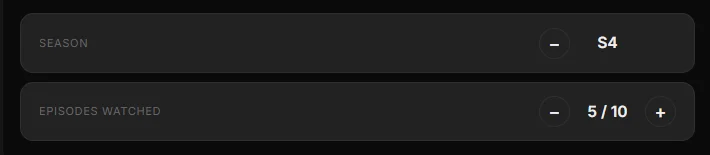
When viewing the details of a TV show you are currently watching, use the Season + / - buttons to quickly mark an entire season as watched, jumping your episode count automatically.
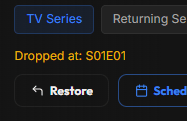
If you decide to drop a show or movie but want to remember where you left off, click Drop in the detail modal. It will be moved to the hidden Archive tab (the box icon) where you can always restore it later.
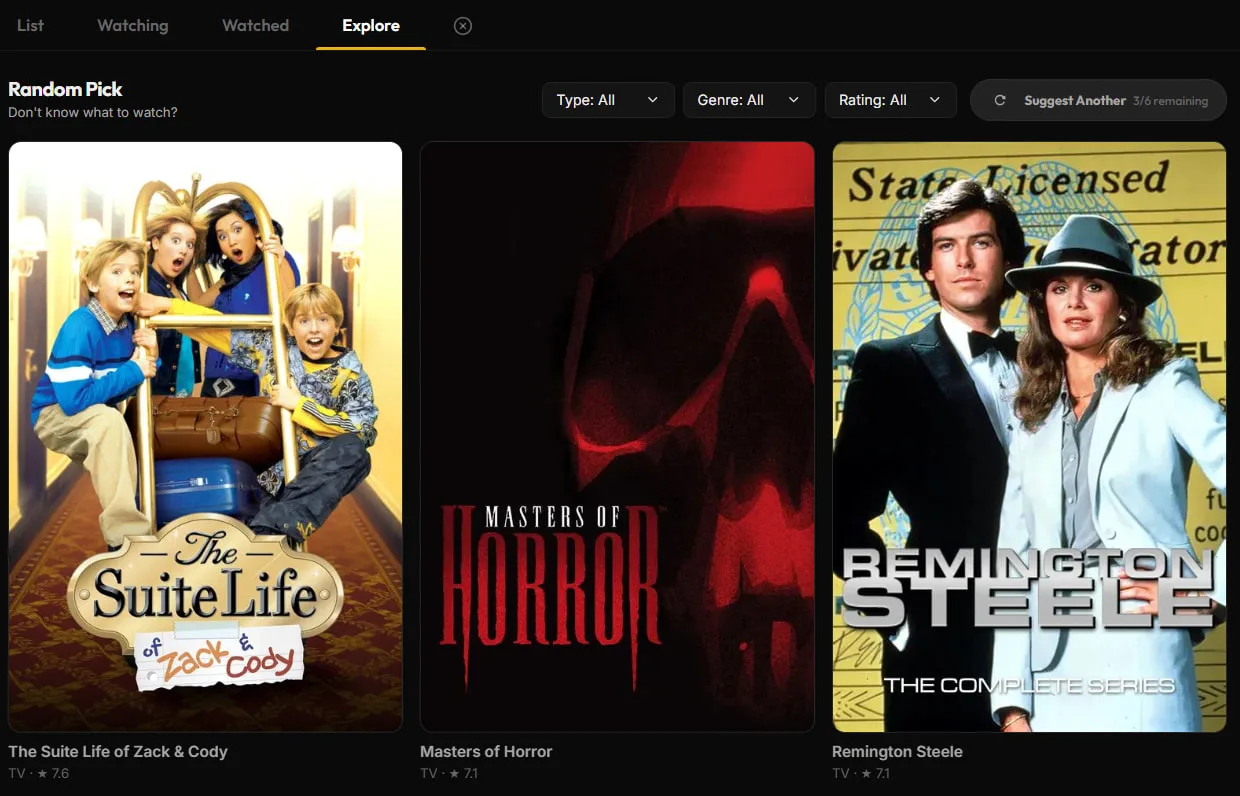
Can't decide what to watch? Head over to the Explore tab and use the Random Pick feature to get smart, randomized suggestions from TMDB.
In the Data settings tab, you can back up your entire watchlist as a JSON file, or import your data directly from Letterboxd or IMDb CSV exports!
Found a bug or have a suggestion? Send a message directly to the developer! (Limit: 1 message per 24 hours).